Microsoft Project 2021
Training Course

EduHubSpot is a one-stop destination for comprehensive project management training solutions. Here, we recognise the critical role of effective project management in an individual's success. We aim to deliver high-quality training programmes and empower individuals and businesses to direct the complexities of project management with confidence and efficiency. This Microsoft Project course is designed to be interactive, engaging, and practical, ensuring that participants not only gain theoretical knowledge but also gain hands-on experience. This comprehensive Microsoft Project course online is planned to provide the candidate with everything they need to succeed in managing projects efficiently by using the current version of Microsoft Project.
Why Choose
MS Project Training?
Microsoft Project provides a large range of features and capabilities to help you plan, execute and monitor your project with ease.
Multiple Project Management
Incorporation with MS Office
Career Growth
Learn or upgrade top skills with this structured

Microsoft Training
Learn or upgrade top skills with this structured Microsoft Training and become empowered at work.

MS Project 2021 allows you to define tasks, set milestones and develop timelines.
Efficient resource allocation ensures optimal utilisation and productivity.
Visualise project timelines and dependencies, and keep the plan up-to-date.
Enhance collaboration and communication with built-in collaboration tools.
Track project expenses and manage resource costs to ensure financial transparency.
Use the power of the MS Ecosystem to increase productivity and efficiency.
Cloud connectivity enables you to access the project plans anytime.
Who Should Attend The
MS Project Training
Designed for professionals who want to master Microsoft Project to plan, execute, and deliver projects with confidence.

Microsoft Project 2021
Course Roadmap
 Introducing Microsoft Project 2021
Understanding Different Project License Solutions
Get To Know Project Interface
Detailed Overview Of Project Interface
Download Tips And Tricks File
Set up Project Options and Project Information
Download Assignment 2A[Project Preparation]
Assignment Solution 2A Video
Download Assignment Solution 2A[Mpp File]
Set Up Project Calendar
Download Assignment 2B[Project Calendar Setup]
Assignment Solution 2B Video
Download Assignment Solution 2B[Mpp File]
Create Auto/Manually Scheduled Tasks, Summary, and Milestone
Download Assignment 3A
Assignment Solution 3A Video
Download Assignment Solution 3A[Mpp File]
Linking Tasks With Leads And Lags
Download Assignment 3B
Assignment Solution 3B Video
Download Assignment Solution 3B[MPP File]
Download Assignment 3C
Assignment Solution 3C Video
Download Assignment Solution 3C[MPP File]
Work Breakdown Structure (WBS)
Task Constraints
View Tasks and Links
Download Assignment Solution 3B[Mpp File]
Download Assignment 3C
Assignment Solution 3C Video
Download Assignment Solution 3C[Mpp File]
Work Breakdown Structure (WBS)
Task Constraints
View Tasks And Links
Creating And Assigning Resources
Creating Different Types Of Resources
Download Assignment 4A
Assignment 4A Video Solution
Download Assignment Solution 4A[Mpp File]
Assigning Resources
Download Assignment 4B
Assignment 4B Video Solution
Download Assignment Solution 4B[MPP File]
Critical Path + Task Inspector + Levelling Gantt + Inactivate Tasks.
Project Baselines And Progress Recording
Download Assignment 6
Assignment 6 Video Solution
Download Assignment Solution 6[Mpp File]
Project Status High Level
Download Assignment 7
Assignment 7 Video Solution
Download Assignment Solution 7[MPP File]
Finalizing And Closing The Project Schedule
Final Closing Video
Download Your Completion Certificate
Fast Filling Schedule


Loading...


Certification &
Career Path

What will you get?
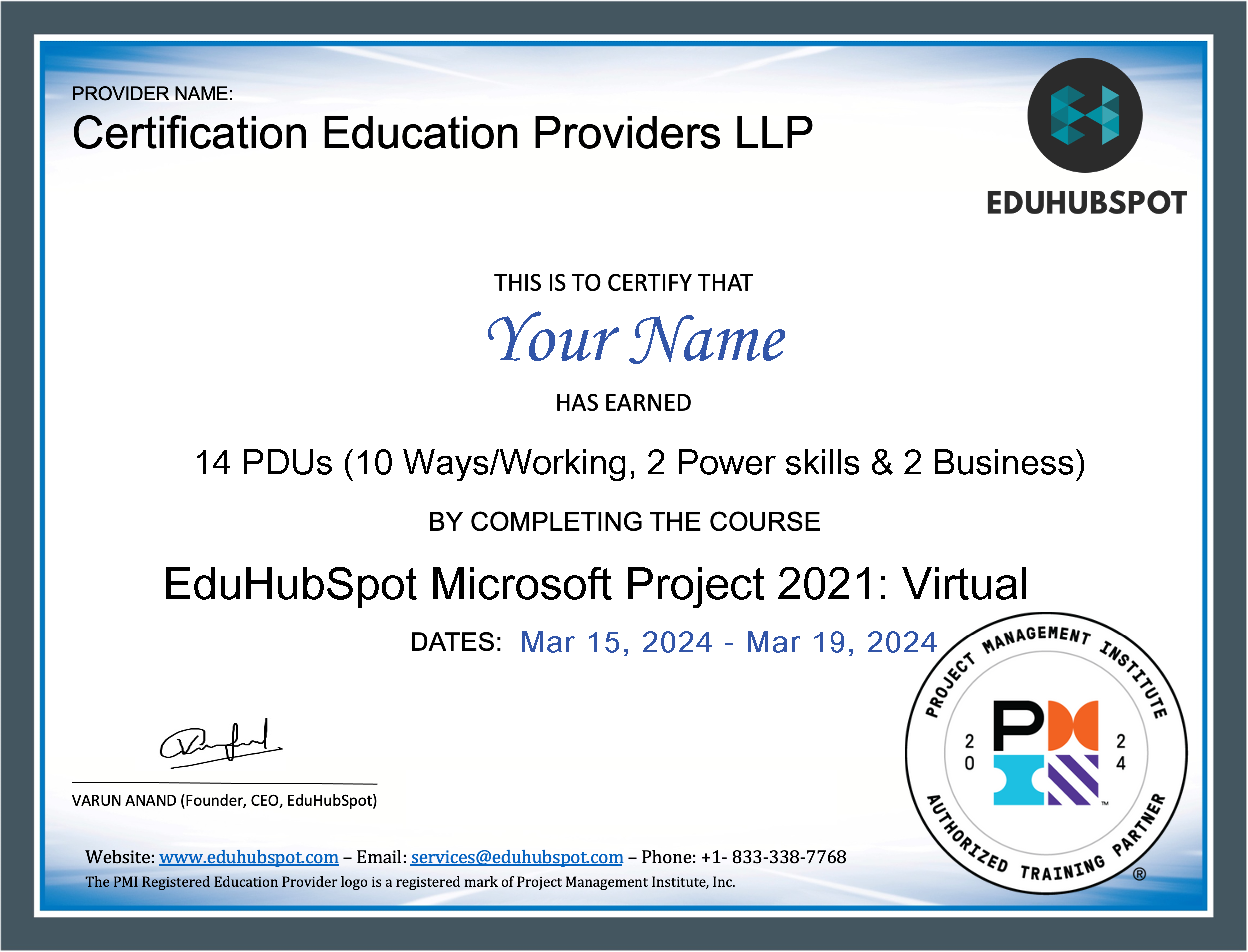
After the completion of the Microsoft Project 2021 Training, you will get a customised certificate from EduHubSpot.
Top Benefits of Learning
the MS Project Course

Success Stories That Speak For
Themselves
Hear from professionals who turned their PMP® training into promotions, pay raises, and dream roles — and know that you can be next.
Frequently Asked
Questions
Find answers to common questions about Microsoft Project training.
MS Project is known as a project management software which is designed to assist project managers in developing plans, assigning resources to tasks, tracking progress, managing budgets and analysing workloads. It is used across different industries to streamline project execution and make it easier to fulfil project objectives and deadlines.
The MS Project can be used in the following steps:
- Create a new project file and set up your project calendar.
- Break down the project into manageable tasks and subtasks.
- Input durations and dependencies to schedule tasks in a timeline.
- Allocate resources like team members and materials to tasks.
- Update task completion as the project progresses to monitor the schedule and budget.
- Use built-in reporting tools to generate project status reports and insights.
The MS Project has a moderate learning curve. Individuals with prior project management experience may find it easier to learn, but beginners can also become experts with structured training and practice.
The duration depends on the familiarity with project management concepts and software. Generally, a basic course ranges from a few days to a couple of weeks, while achieving proficiency may take a few months of regular use and experience.
Yes, MS Project can be used in Agile Project Management. It provides features, including agile project management templates and task boards, allowing teams to manage projects using Agile methodologies within the software.
The advantages of MS Project training include:
- Improved project planning and scheduling efficiency.
- Enhanced resource management.
- Better budget control and cost efficiency.
- Increased productivity through effective task and time management.
- The ability to generate detailed reports and insights for informed decision-making.
To obtain the certification, you can:
- Complete the training course on MS Project from a recognised provider like EduHubSpot.
- Obtain hands-on experience with the software to apply what you have learned.
- Sit for the official certification exam offered by Microsoft or authorised testing centres.
MPP Training is the training program that focuses on MS Project Professional, the advanced project management software of Microsoft. This program covers all aspects of the software, from basic navigation to complicated project planning and reporting.
The duration of the access varies by provider. EduHubSpot generally offers access for a period of one year and allows you to learn at your own pace.
The eligibility criteria include:
- Basic computer knowledge.
- Familiarity with project management concepts is preferable but not mandatory.
- No prior experience with MS Project is needed, which makes it suitable for freshers as well as experienced project managers looking to elevate their skillset.
Yes, EduHubSpot offers MS Project training online.